


 Monitor |
See the status of every pipeline in one place, or in a build monitor like CCMenu or Nevergreen through the web server's feed. | Dashboard Provider health |
 Organize |
Group pipelines into saved views with rules, pins and bulk actions. | Views |
 Investigate |
Find out why a run failed and rerun one GitHub Actions job from its log. | Run logs Metrics |
 Act |
Start a workflow with inputs or cancel active runs in batches. | Trigger and cancel |
 Notify |
Get an alert when a pipeline fails, recovers or a run sits in the queue too long. | Notifications |
Pipedash shows pipelines from the supported CI/CD providers in one table, so finding a failed build no longer means switching between dashboards. It polls each provider with a token or kubeconfig and caches the results. The same table opens, triggers, reruns and cancels runs.
It runs as a desktop app, as a self-hosted web server in Docker or as an iOS and Android app. All of them share one Rust core.
 GitHub Actions |
 GitLab CI |
 Gitea Actions |
 Bitbucket Pipelines |
 Azure DevOps |
 CircleCI |
 Buildkite |
 Jenkins |
 Woodpecker CI |
 Tekton CD |
 ArgoCD |
 FluxCD |
 Prow |
 Komodo |
 Coolify |
- Install it with the installation guide.
- Add a provider with the quick start.
- Run it on desktop, mobile or Docker.
- Share one server through Server mode, a reverse proxy or the REST API.
- Configure settings, tokens and the cache, or move providers and run history between storage backends.
- Keep providers in a file: each block in
config.tomladds a provider, and deleting the block removes it.
Desktop and web (9 pages)
Pipelines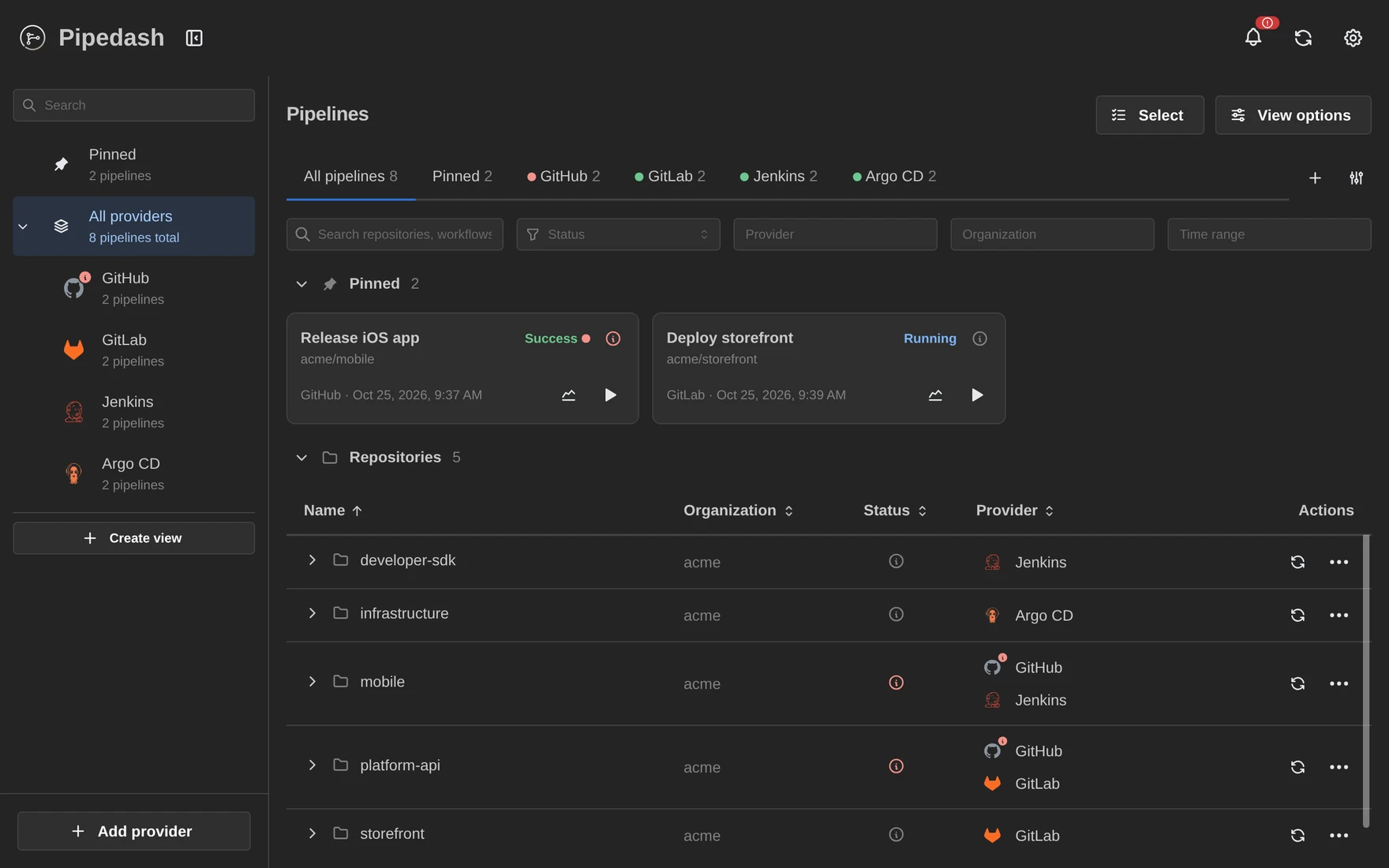 |
Run history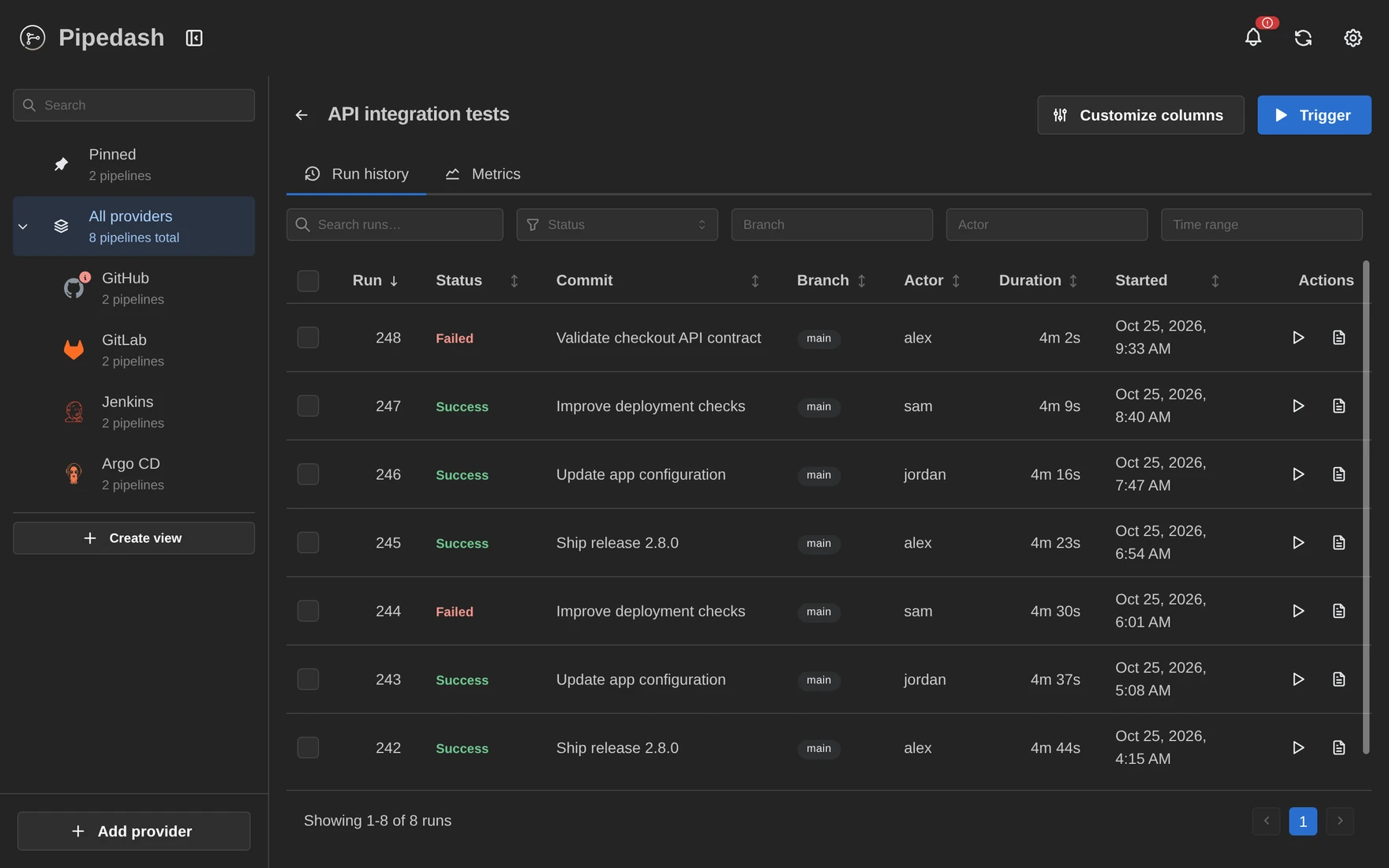 |
Run details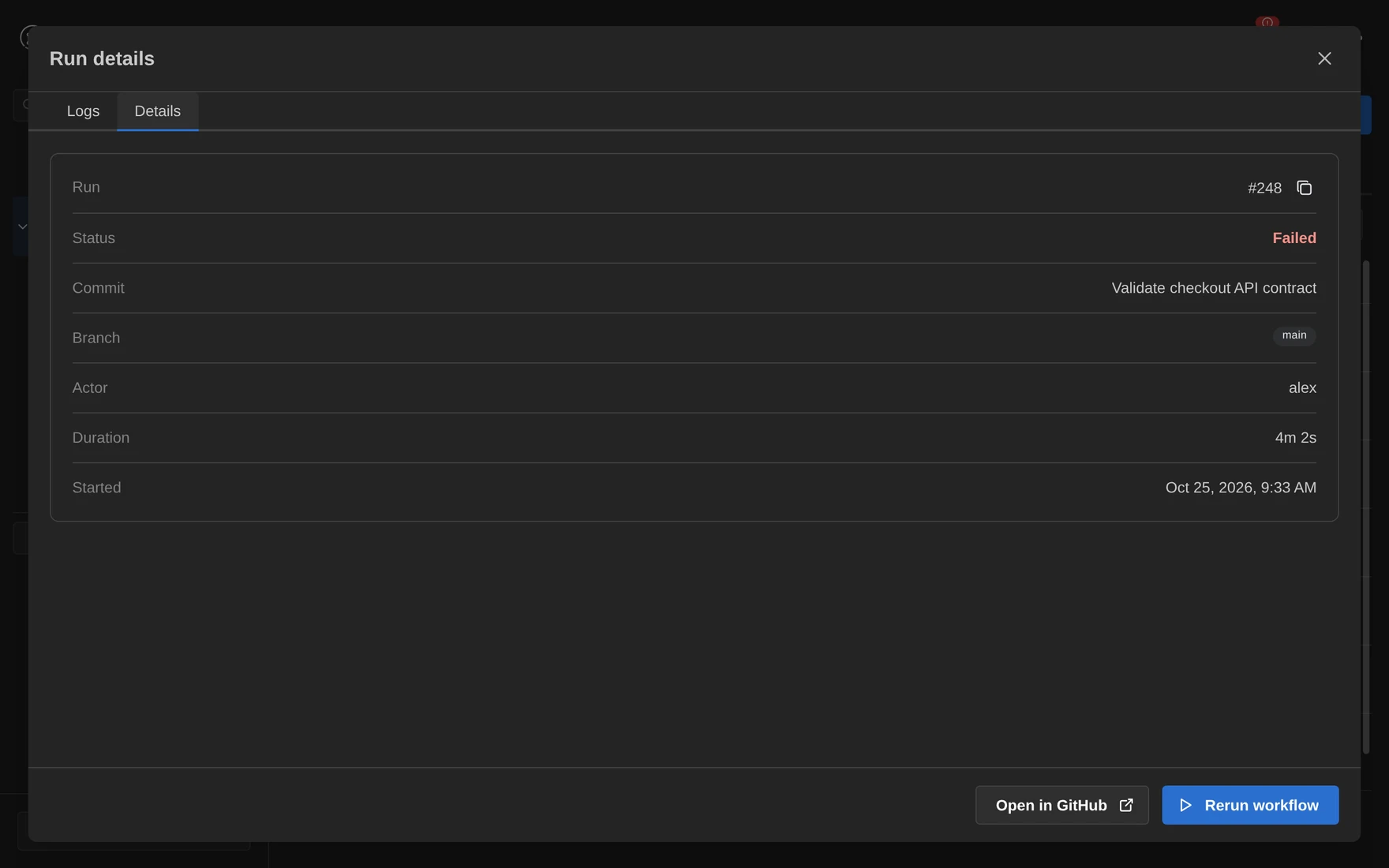 |
Job logs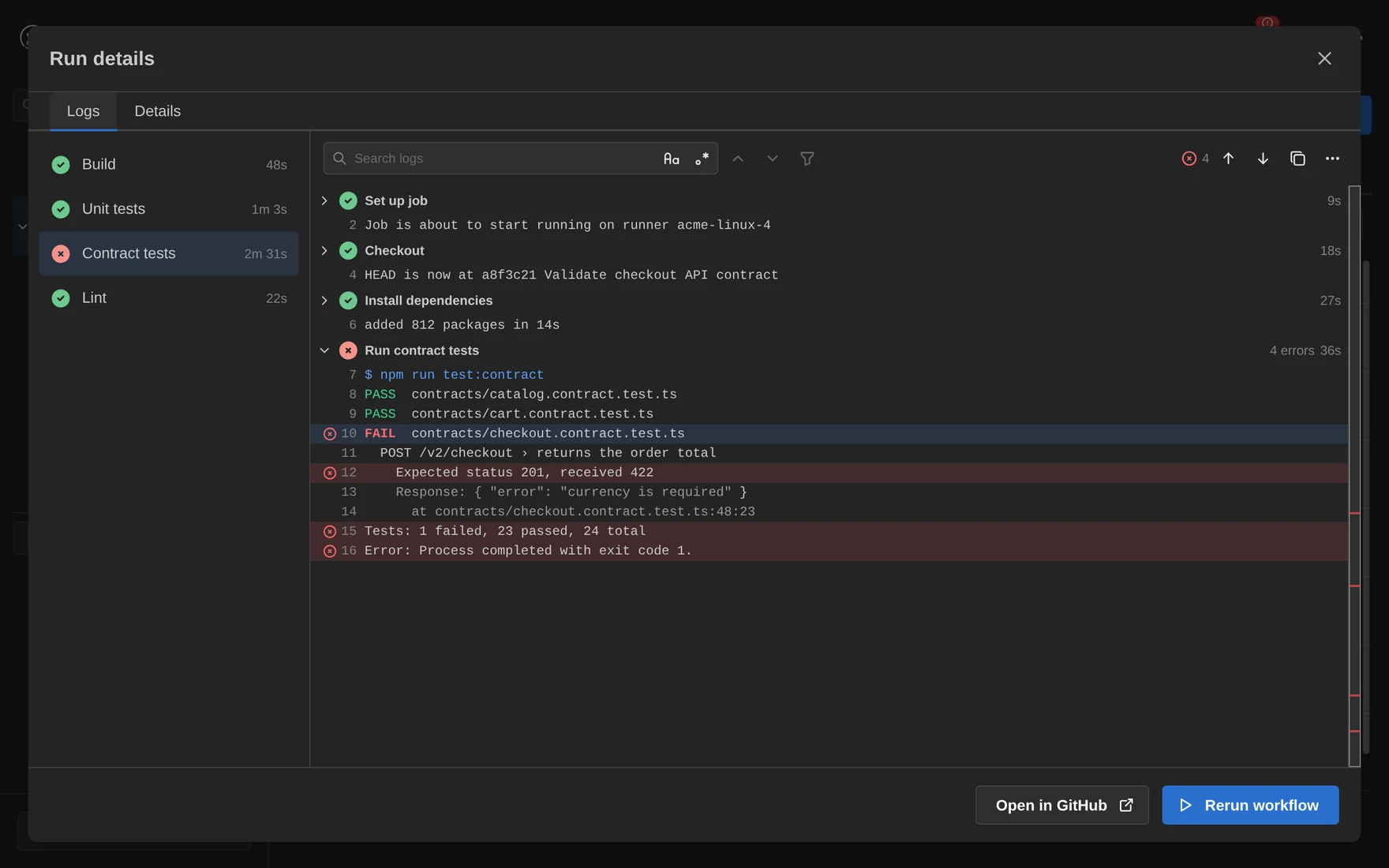 |
Trigger a workflow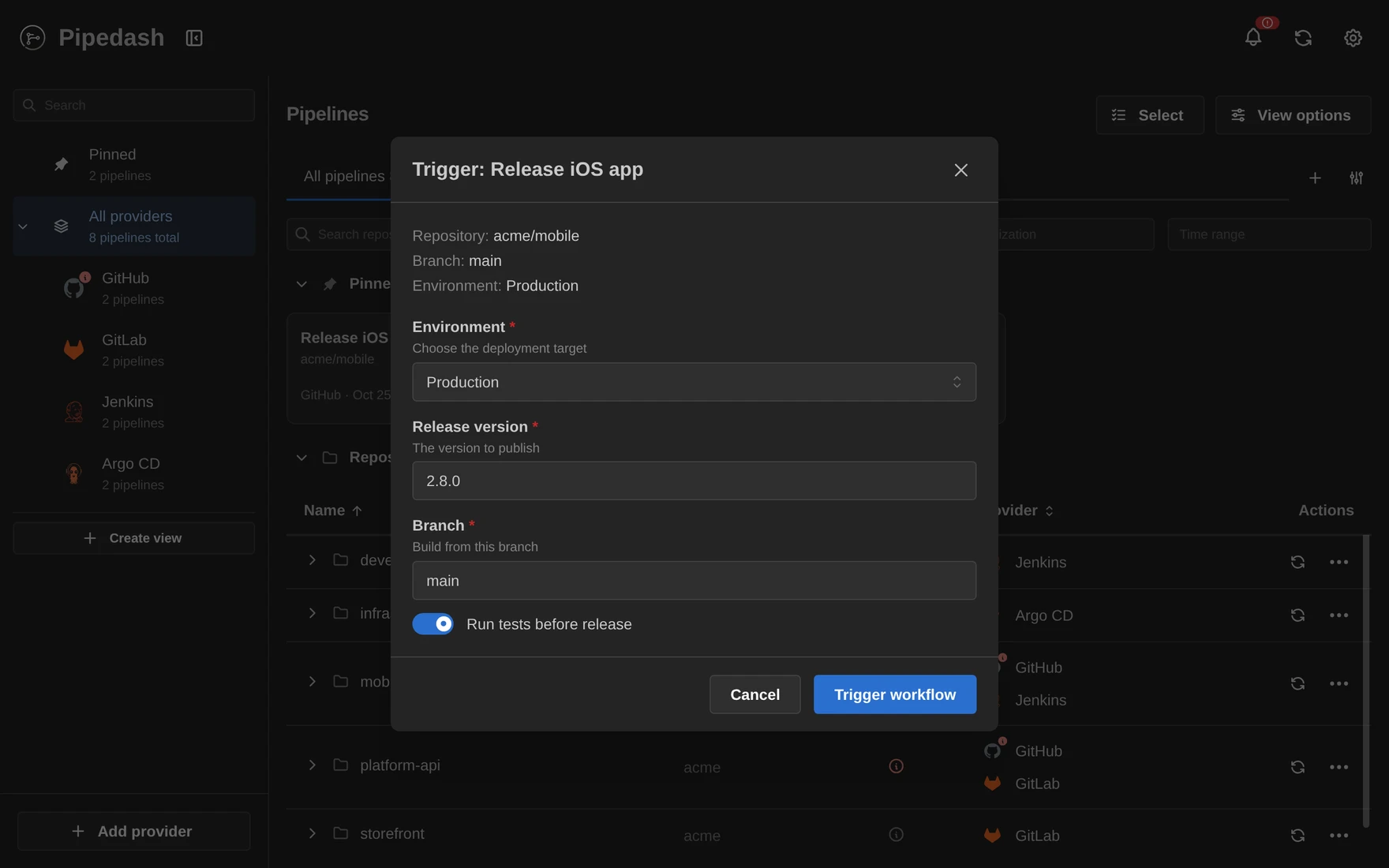 |
Metrics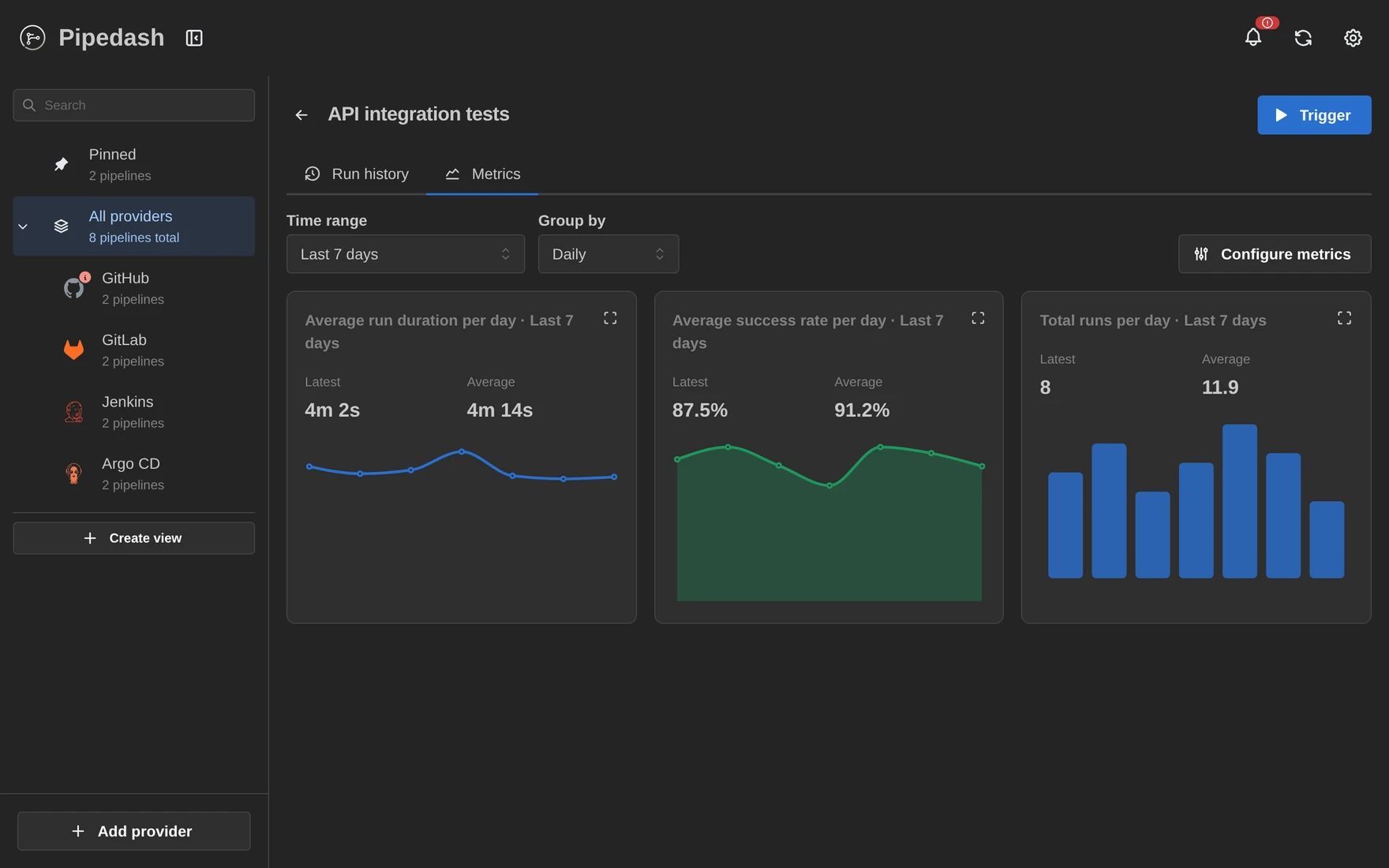 |
Provider status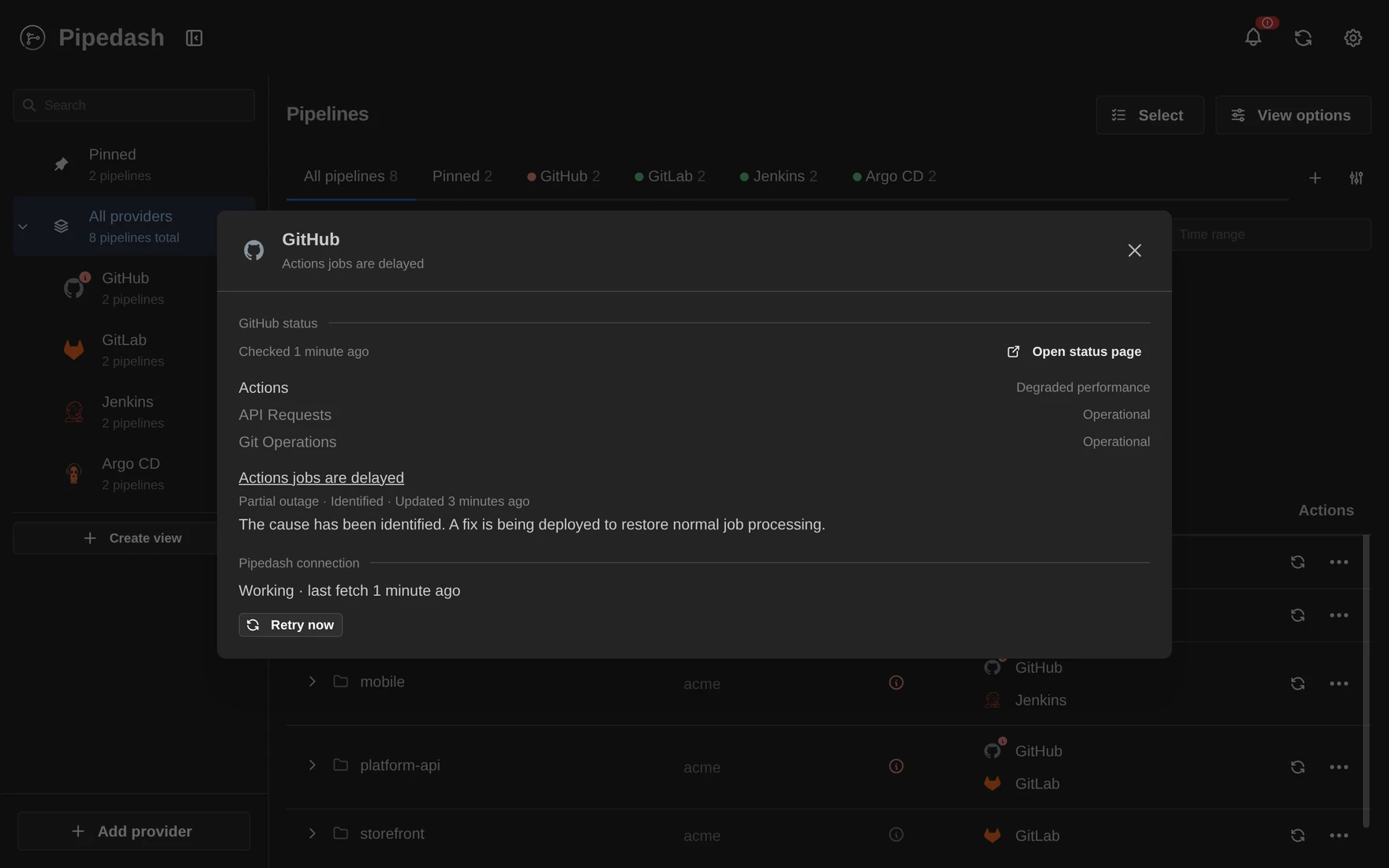 |
Notifications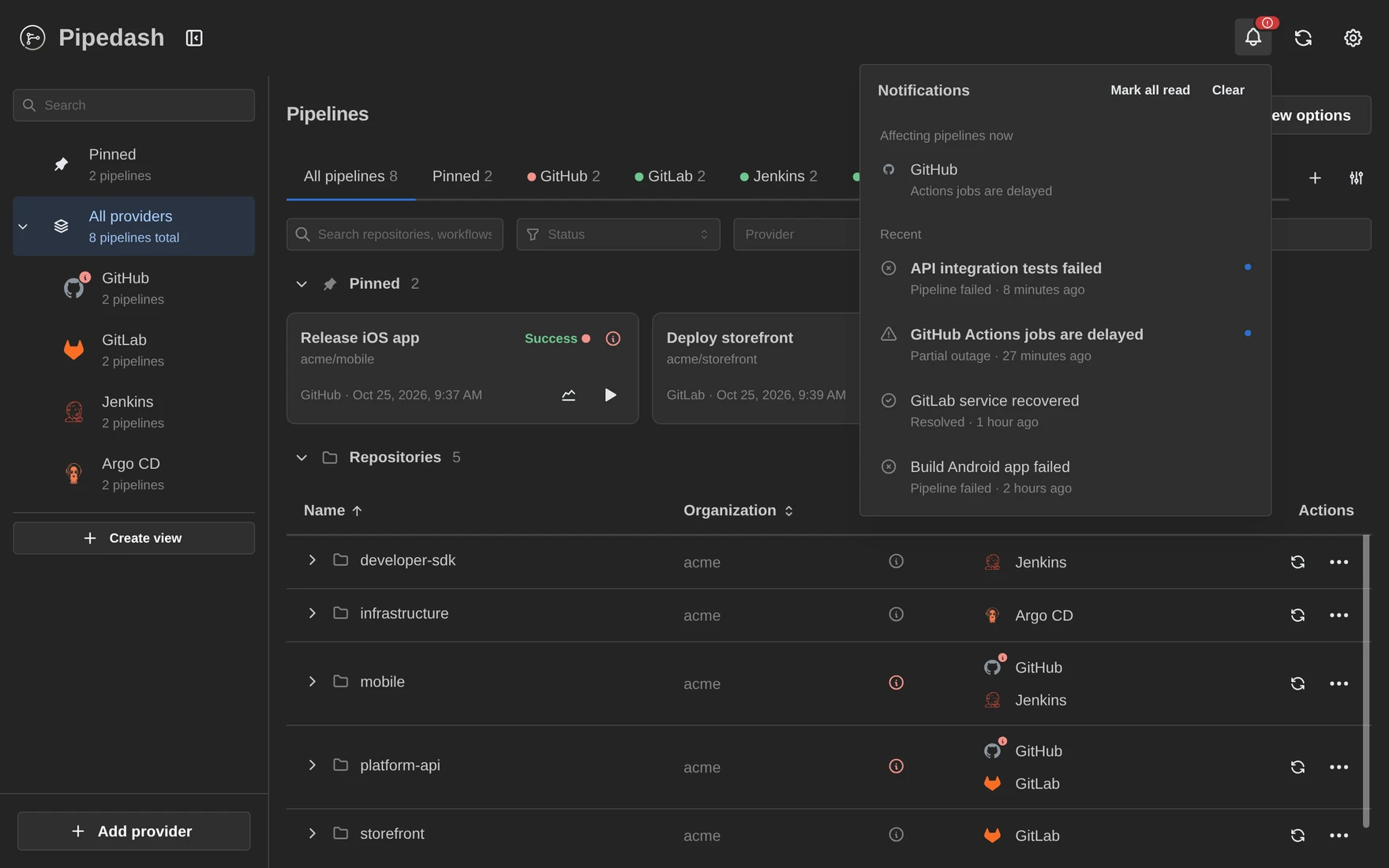 |
Providers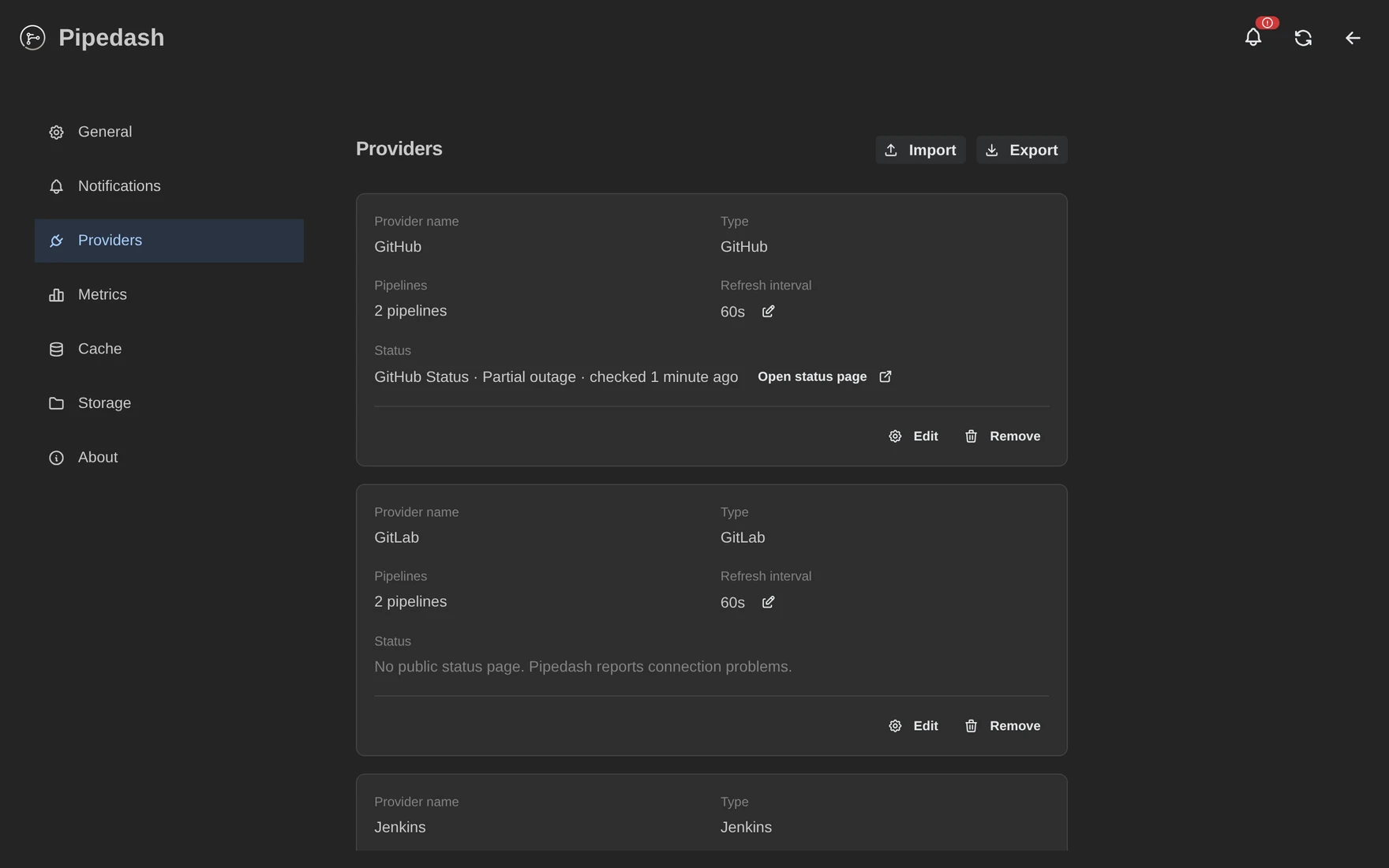 |
Mobile (9 pages)
Pipelines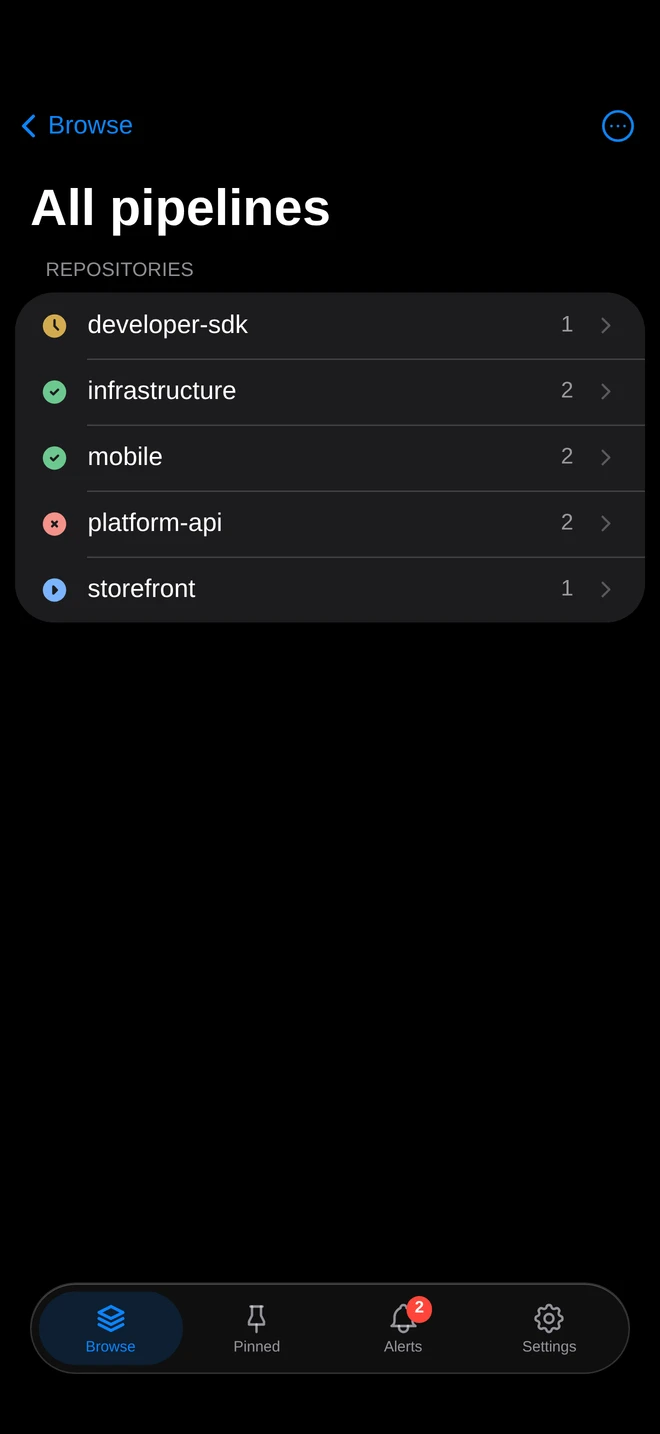 |
Run history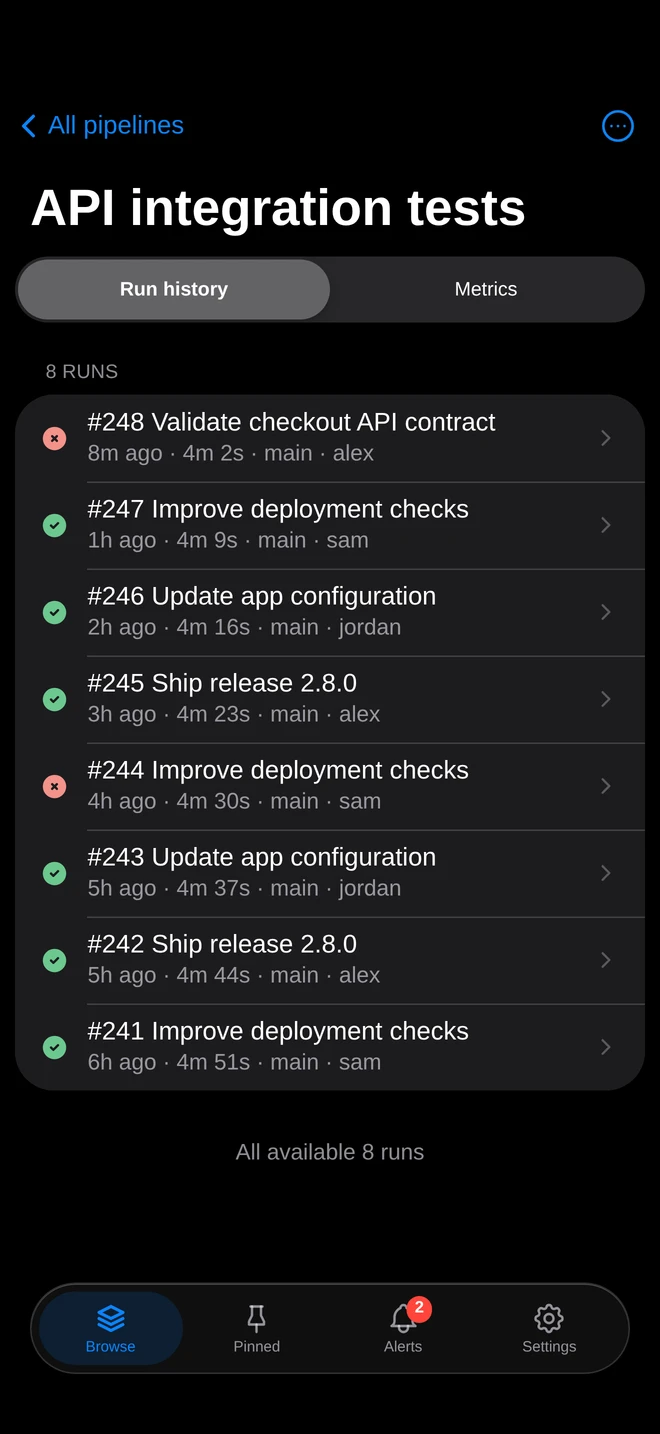 |
Run details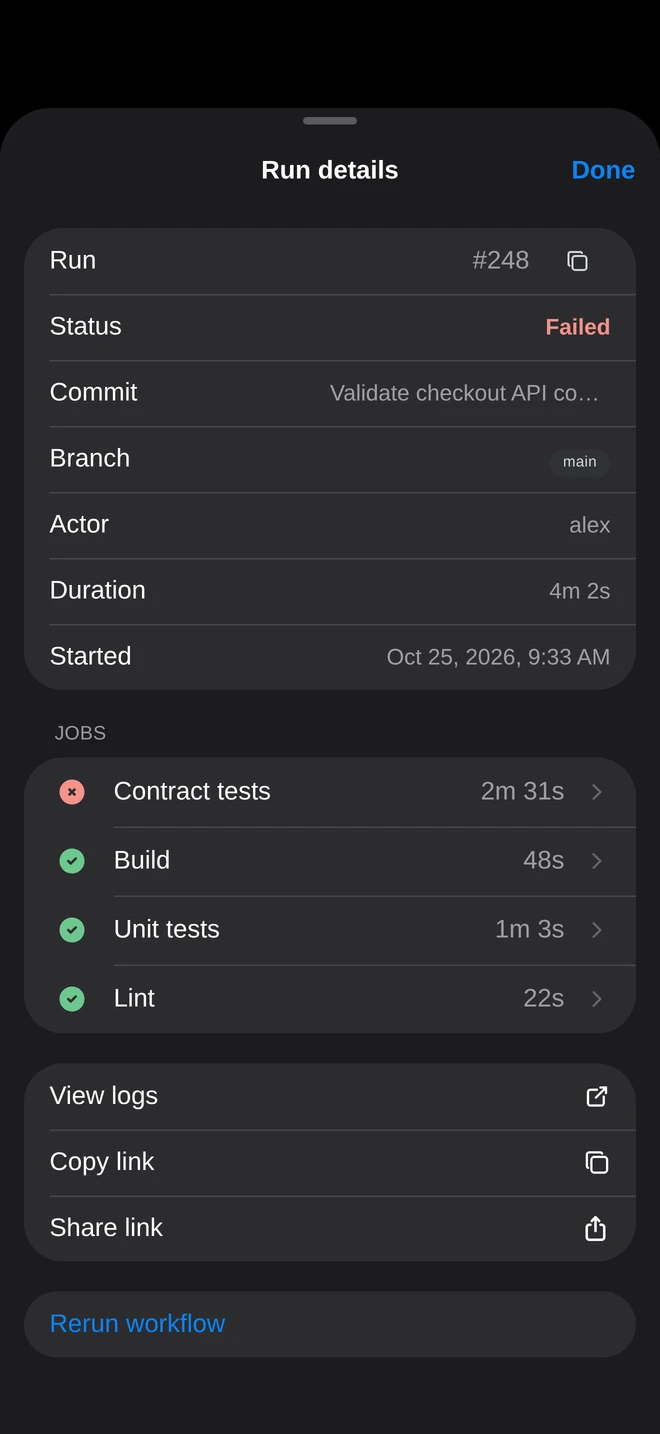 |
Job logs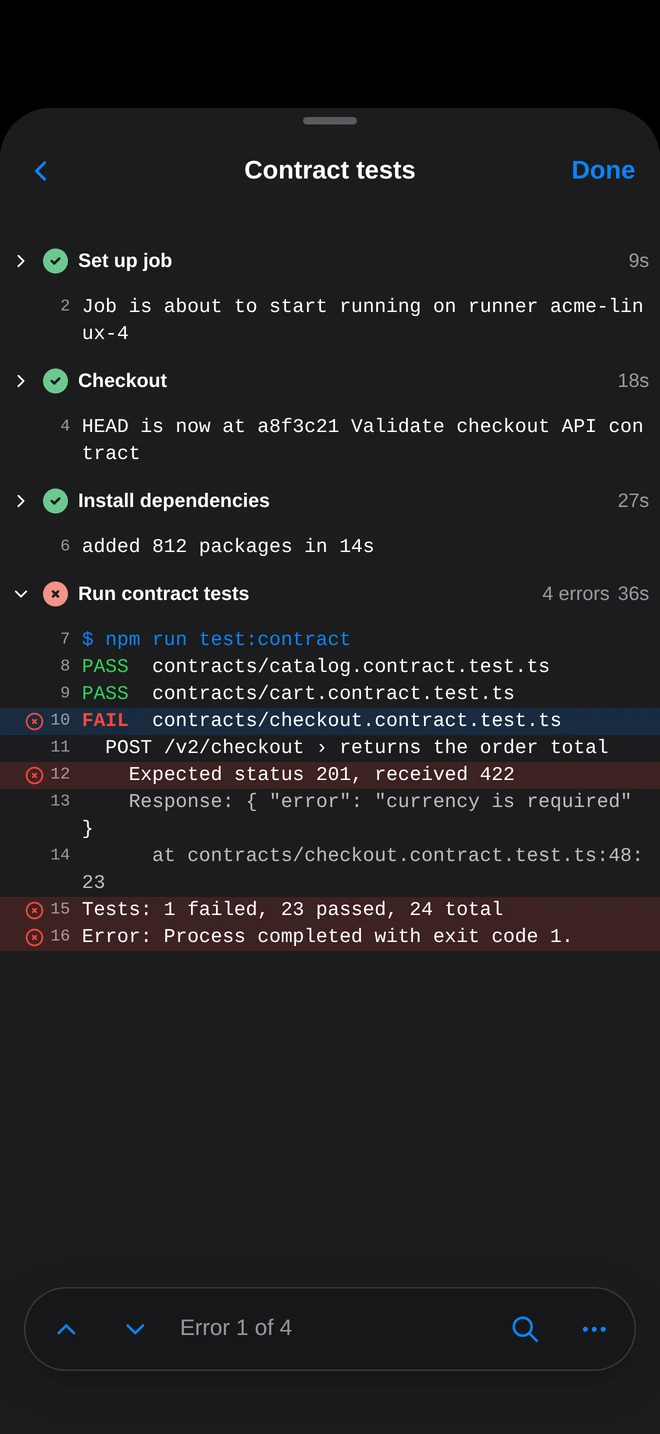 |
Trigger a workflow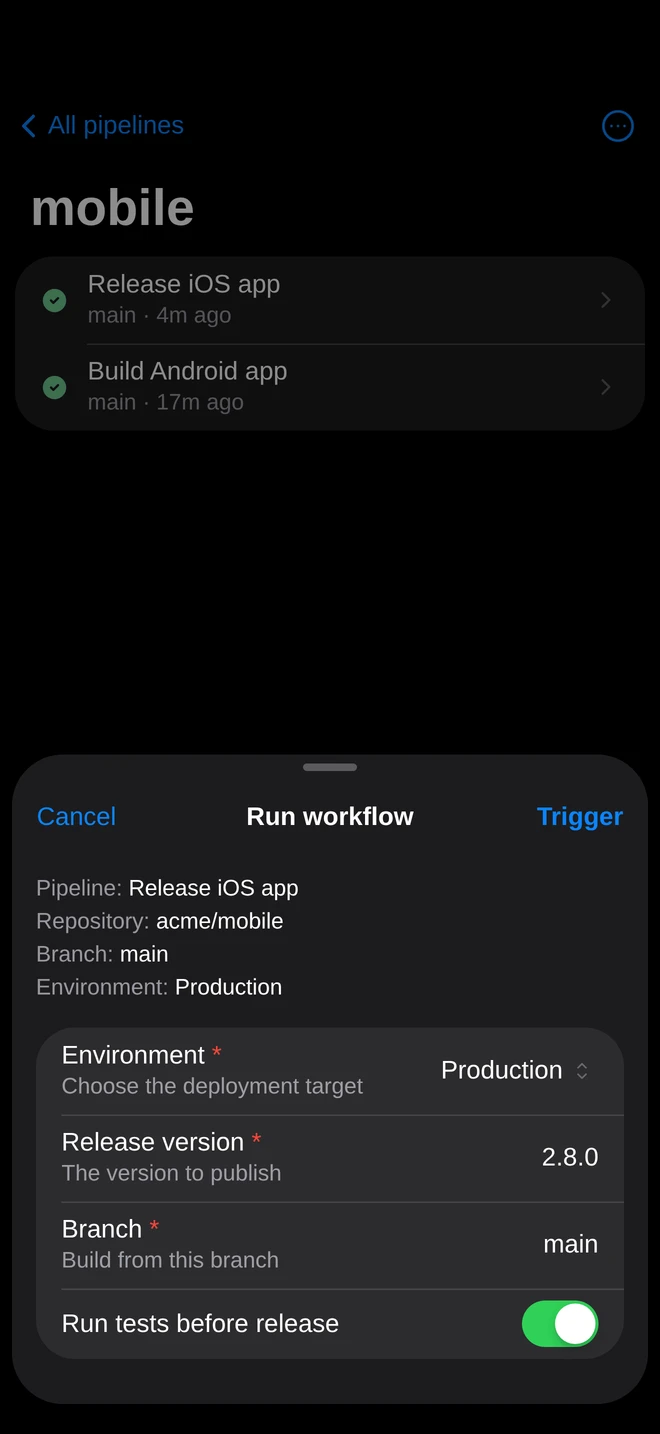 |
Metrics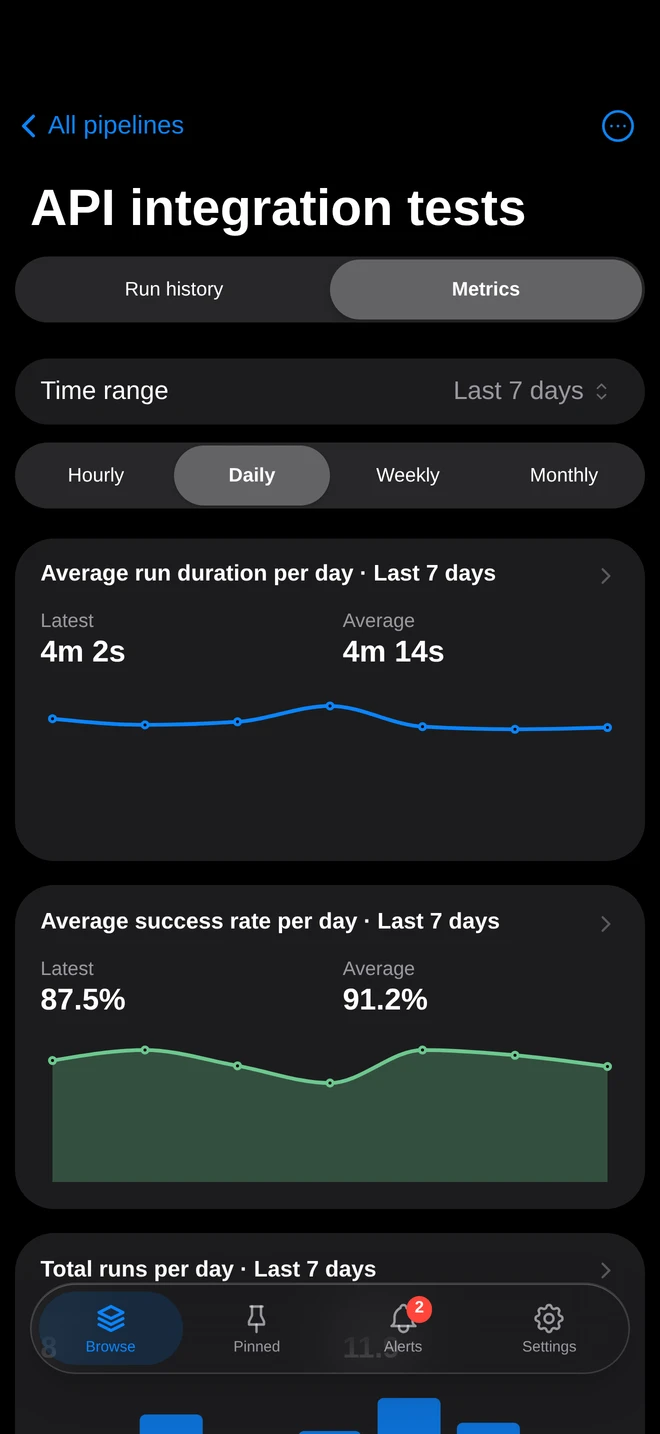 |
Provider status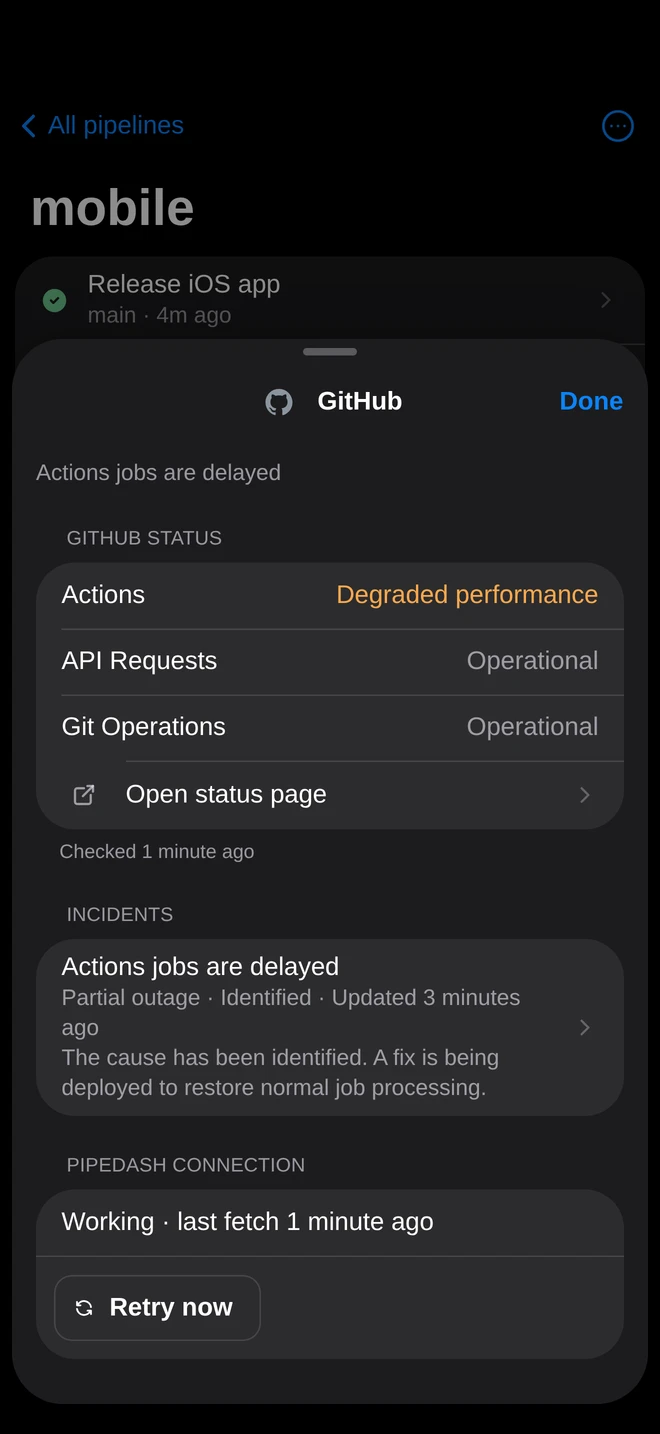 |
Notifications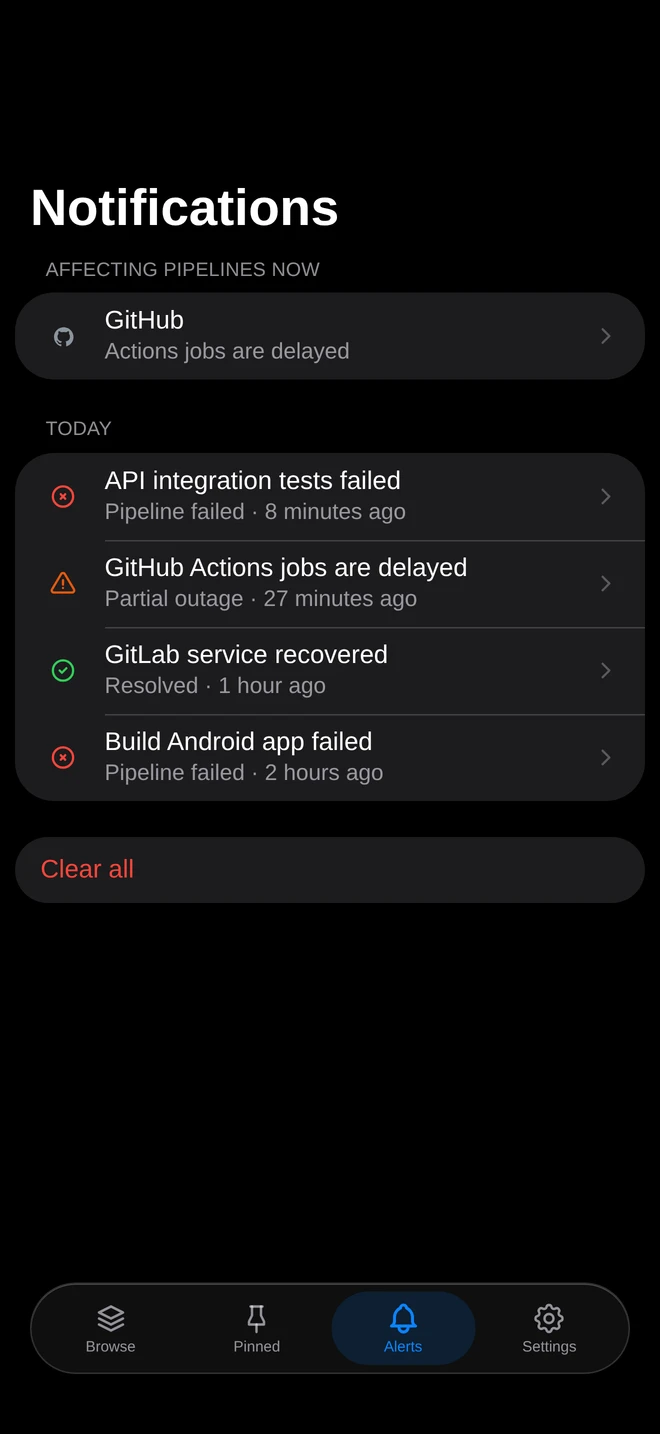 |
Providers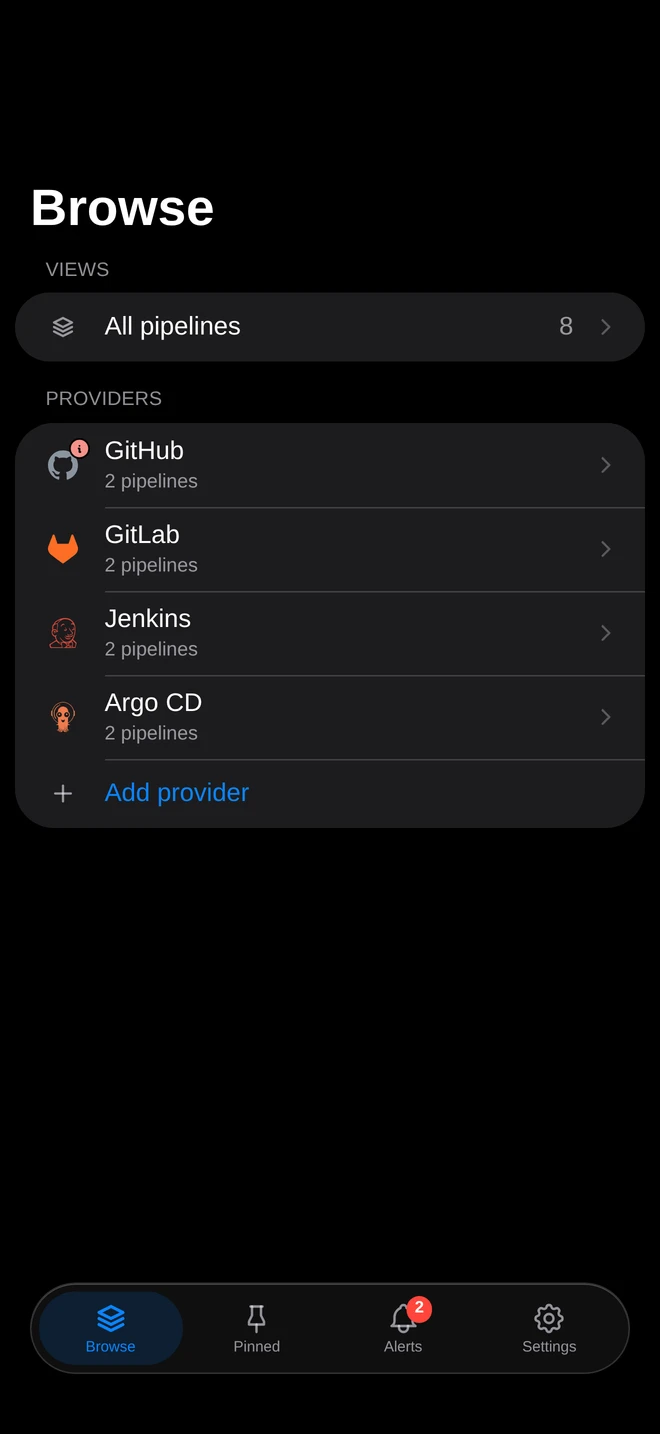 |
- Contribute through the contribution guide and GitHub issues.
- Build locally with the development guide. Run
mise installfirst. - Write a plugin for a new provider with plugin development.
- Learn the architecture and the security model.
- Get help from support.
Pipedash is licensed under GPL-3.0.